DAVINCI RESOLVE AUTOMATION
VALINTA
RAW files to DaVinci Resolve.
Manage, convert, import, and streamline your grading workflow.
WHAT IS VALINTA
A tool for those who grade
photos in DaVinci Resolve
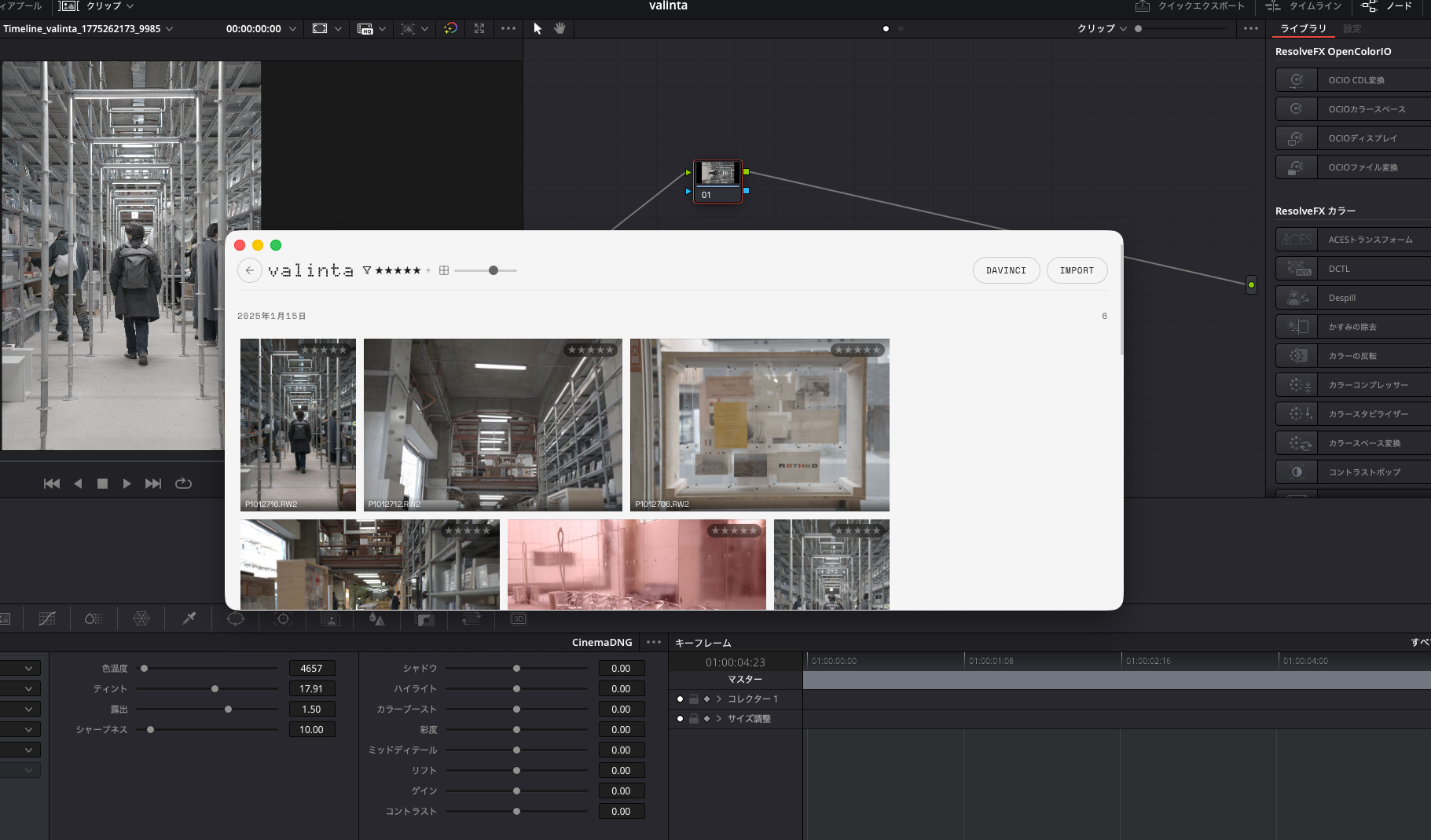
Resolve is a powerful color grading tool, but it's not built for photo workflows. Project creation, RAW conversion and import, timeline placement, preset application — Valinta streamlines this repetitive process.
RAW → DNG → Resolve
Even RAW files unsupported by Resolve are automatically converted to DNG internally — you don't need to think about it. From DNG conversion to Resolve project creation, timeline placement, and grade application, all in one click.
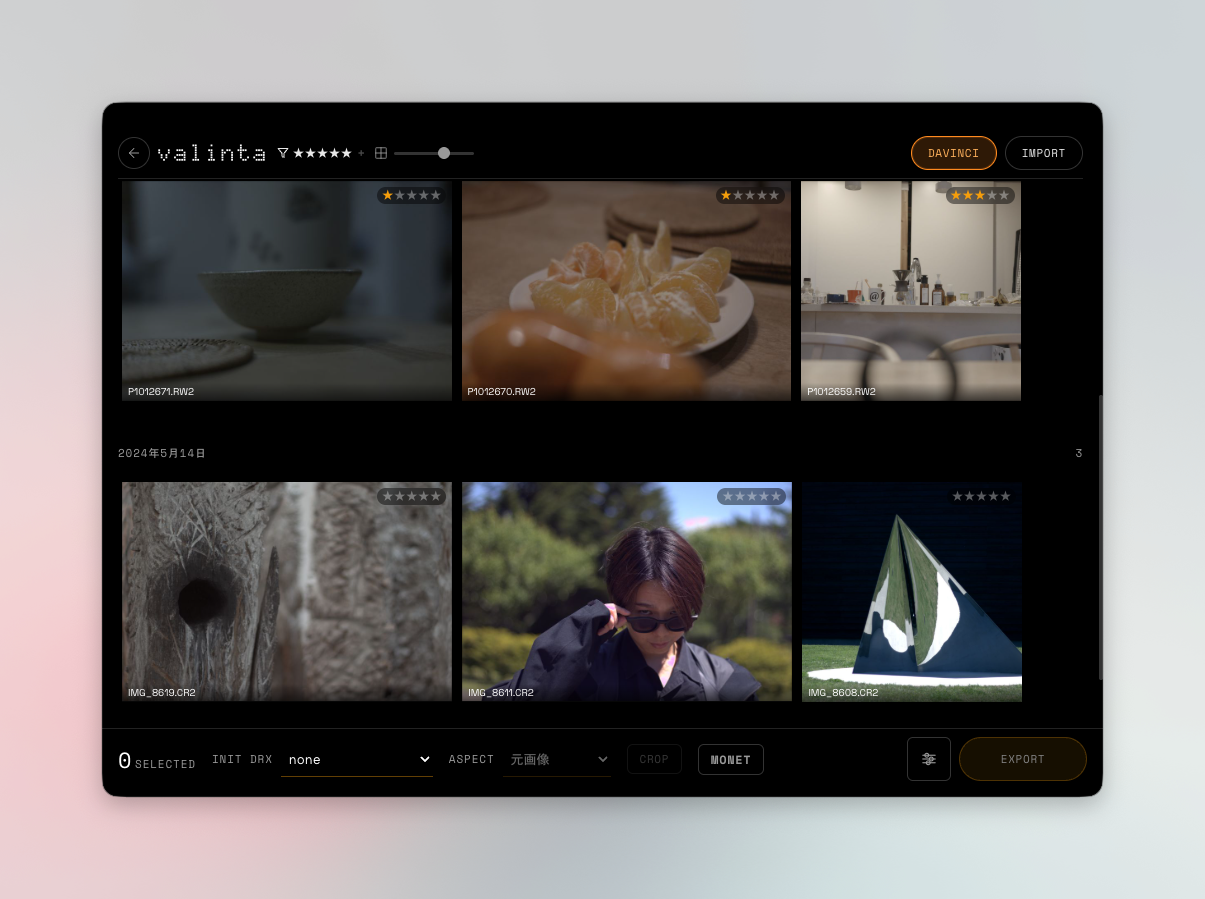
Photo Selection
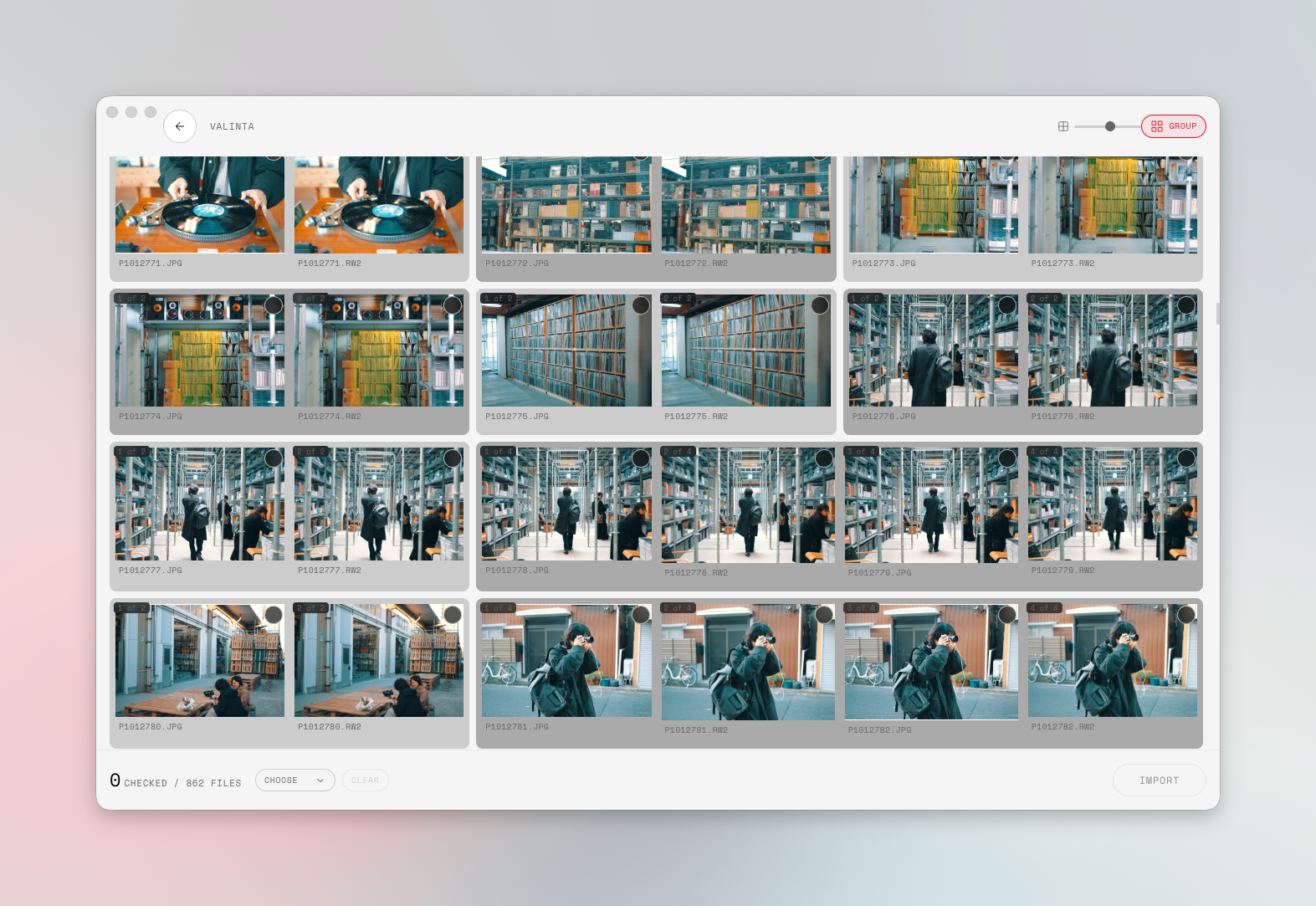
Select photos from a thumbnail grid grouped by shooting date. Similar images are automatically grouped together.
Browse & Rating
Browse imported photos in a grid. Organize with ratings, and send photos to Resolve for color grading with a single click.
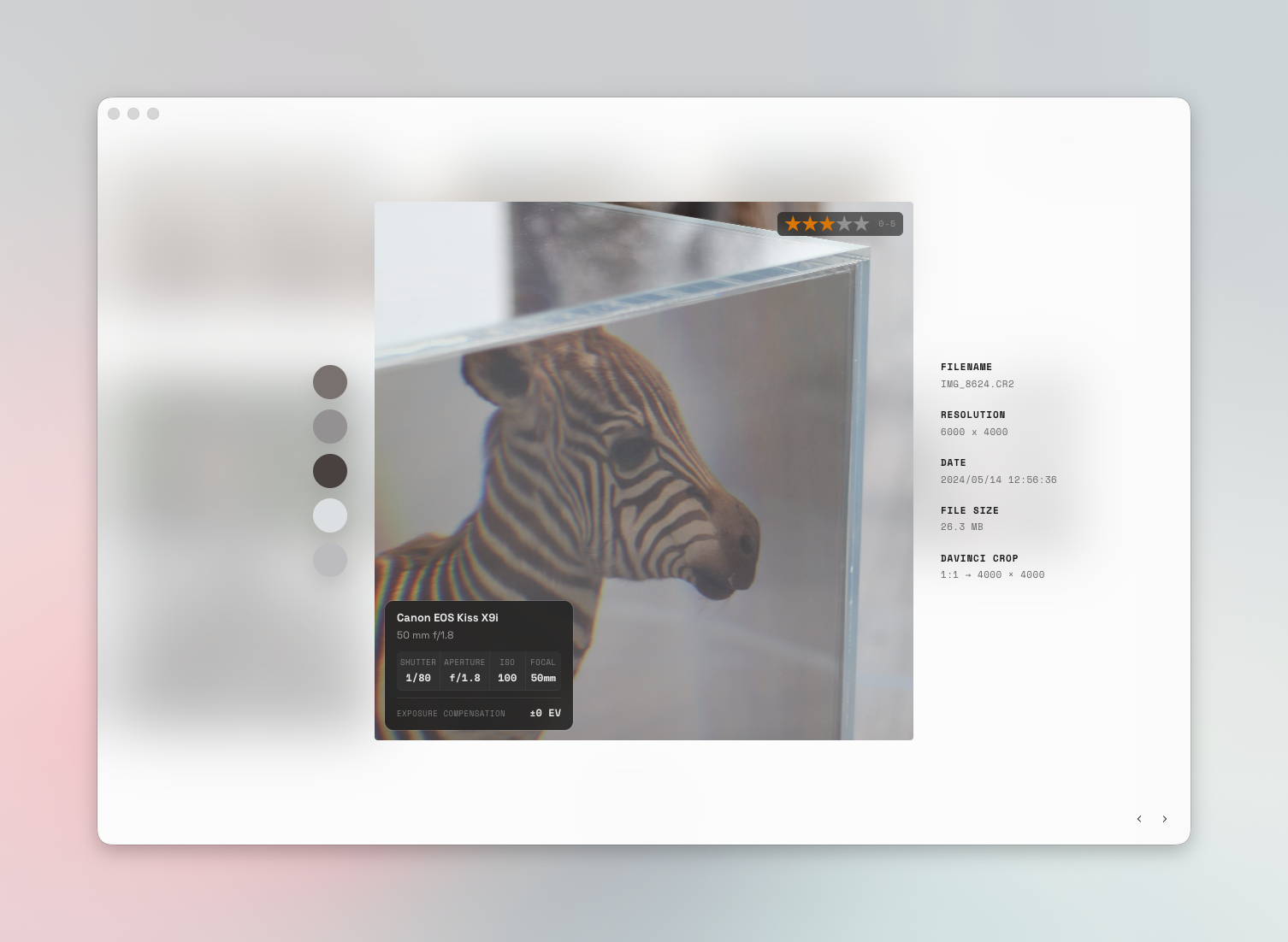
Image Swap
Instantly replace clips on the timeline with different source images. You can also apply a configured grade file (DRX) from the start.
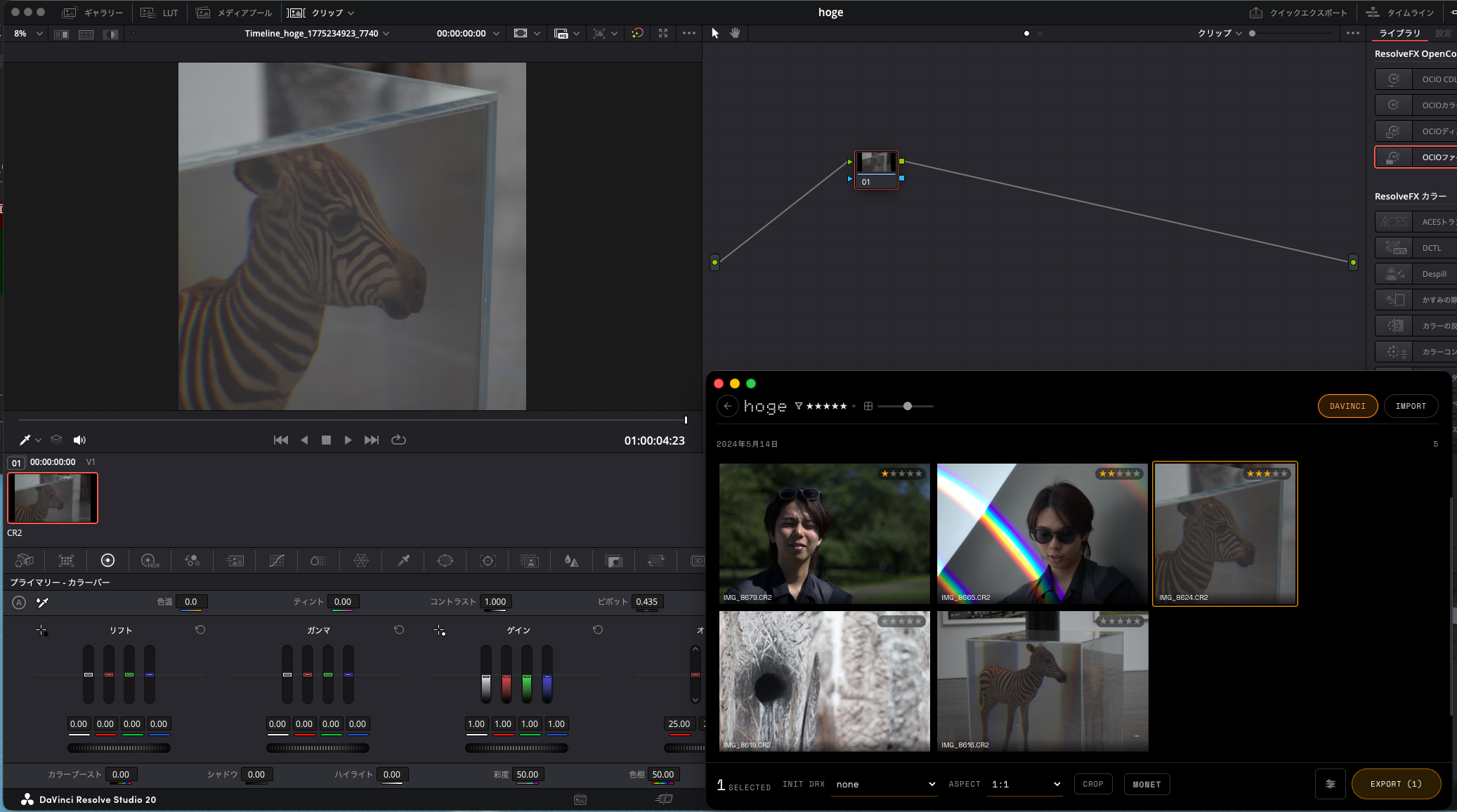
Image Export
Batch export graded photos. Specify long-edge size and filename prefix for output tailored to your needs.
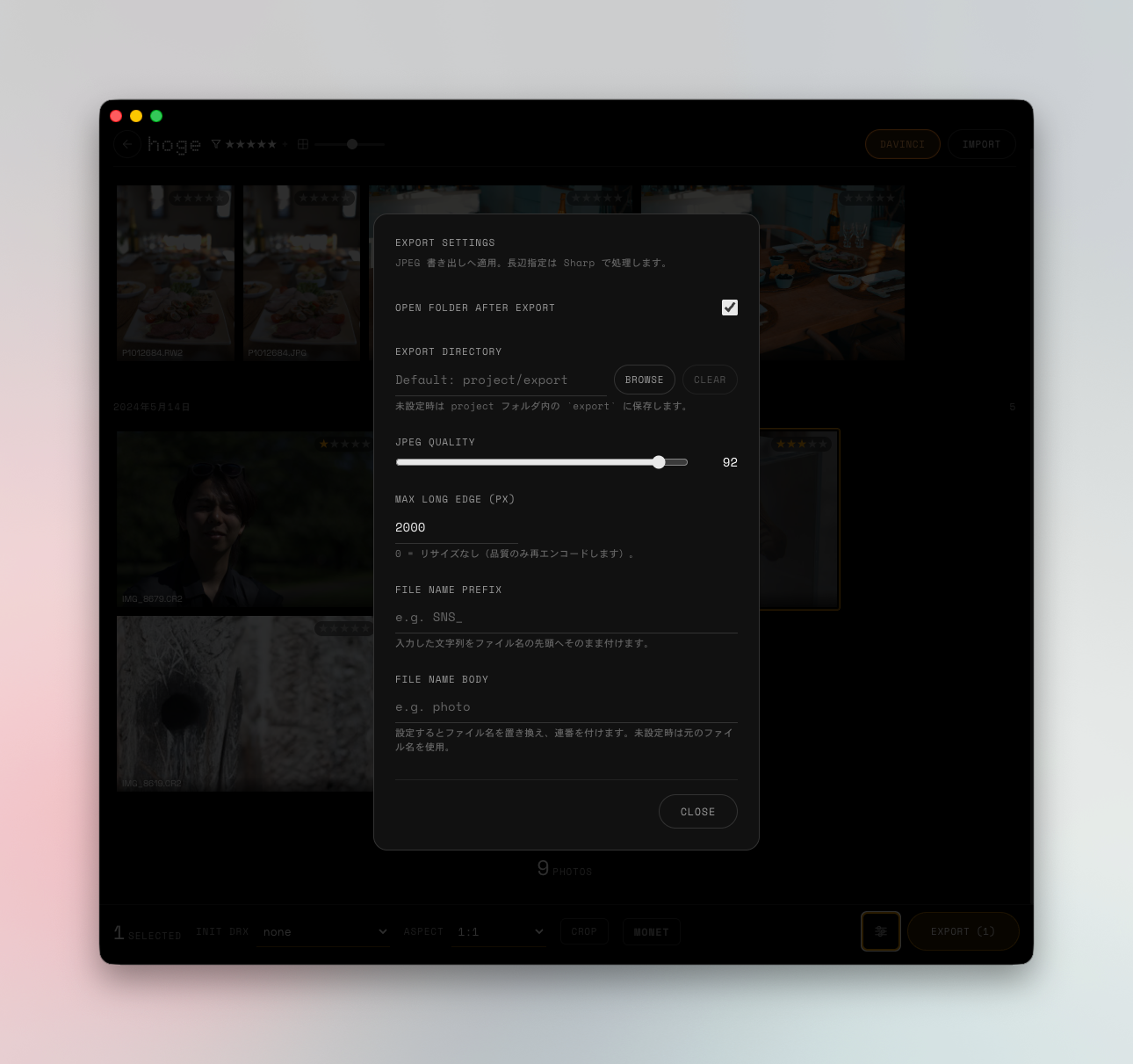
HOW IT WORKS
Done in 3 steps
Drop RAW
Drag & drop RAW files into Valinta. Files are converted to DNG on import to Resolve, so your original RAW files stay untouched.
Open in Resolve
Project creation, media import, timeline placement, and preset application are all automated.
Grading
Color grade your photos with the full power of DaVinci Resolve. Export settings are also controlled from Valinta.
PLANS
Simple pricing
$0
2 projects, up to 16 photos each
$9/mo
Cancel anytime
$48
One-time purchase, use forever